
Virtual Camera Operator
CineWolf plans camera movement around a selected player, mob, vehicle, structure, group, or area.

Generate professional cinematic camera paths directly inside Flashback.
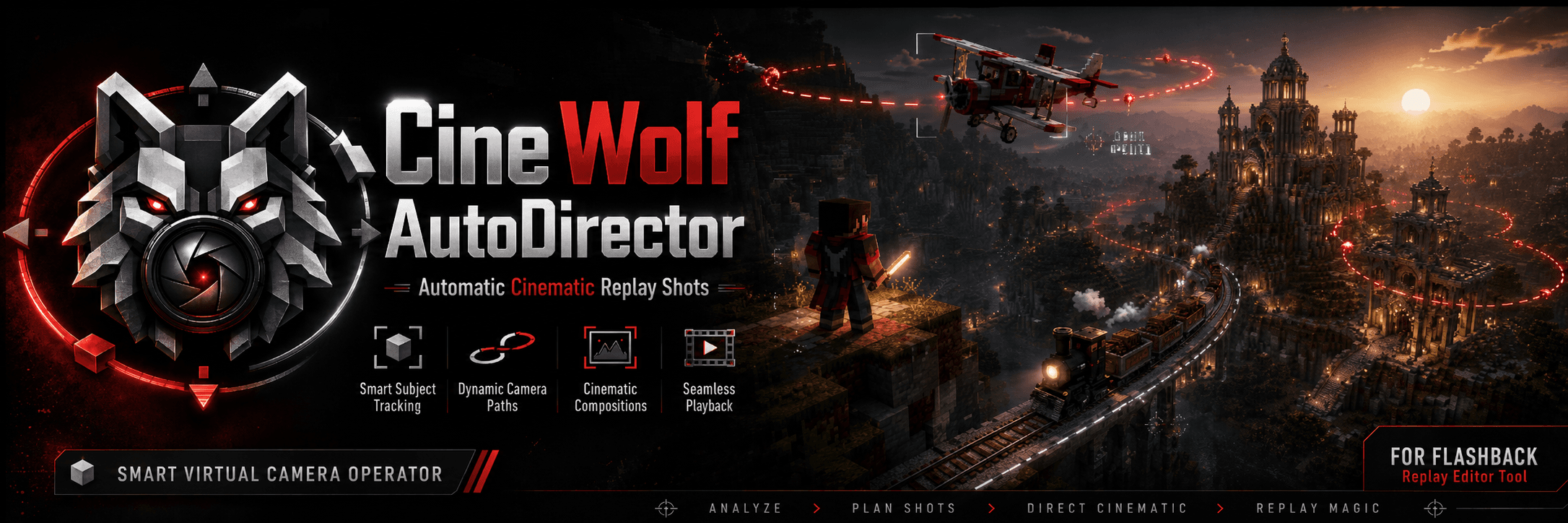
CineWolf AutoDirector analyses your replay, tracks selected subjects, plans camera movement, avoids obstacles, and creates editable Flashback keyframes.
Build a deliberate camera plan from replay activity, then keep the generated result open for creative editing.
CineWolf plans camera movement around a selected player, mob, vehicle, structure, group, or area.
Generated shots remain editable inside the Flashback timeline.
Camera paths can move above, beside, or around walls, trees, roofs, mountains, and other obstacles.
CineWolf can analyse important replay events and build a multi-shot cinematic sequence.
Shot library
Every generator starts with a camera behaviour, framing controls, and a path that can be inspected before it touches the timeline.
Moves around a subject to establish its space, scale, and direction.
Keeps a composed view with a moving subject while preserving a readable travel direction.
Passes a subject on a lateral line to give fast movement a clear sense of scale.
Moves toward a subject to concentrate attention on a decisive moment or detail.
Pulls back from a subject to reveal context or close a sequence.
Slides from a concealed side into a clear view of the subject or scene.
Rises through the scene to establish a subject’s surroundings.
Descends toward a subject to bring an aerial view back to human scale.
Combines an orbit with vertical movement for a layered, rising or falling reveal.
Holds a stable camera position while continuously framing the subject.
Travels alongside a moving subject for a clean profile view.
Places the camera behind a moving subject for momentum and direction.
Frames a tight, intentional view of a subject or selected detail.
Builds a vehicle-aware composition from its movement direction and available anchors.
Generate Montage
Generate Montage turns selected replay ranges into a clear, editable sequence. It analyses replay events locally, suggests a varied shot plan, then waits for your review.
Choose one or more source regions.
Set duration, pace, and format.
Use local deterministic rules.
Inspect diversity and warnings.
Keep the intended sequence.
Confirm one guarded timeline write.
All analysis runs locally using deterministic rules.
Obstacle handling
Basic paths can pass through walls, trees, roofs, terrain, large builds, and vehicles. CineWolf checks the locally loaded replay world before you commit a path.
Passes through an obstacle.
Raises and adjusts the route around it.
Subjects and framing
CineWolf’s framing models can consider more than a single player. The current editor target picker is entity-based, while first-class group and structure selection controls remain part of the product roadmap.
Evaluate spread, visible ratio, and a primary focus instead of forcing every composition into a close-up.
Use scale-aware distances and a wide, readable silhouette when a structure or area is the intended frame.
Give moving subjects lead space and anchor-driven camera positions rather than a generic entity offset.
Vehicle profiles
Profile moving entities with anchors and a sense of travel direction. Built-in support handles common vehicle-style entities, while specialised providers are clearly marked when they are planned.
Ecosystem outlook
Optional PeterWolf ecosystem profiles are an explicit roadmap direction, not a hidden compatibility claim. Each integration remains optional and local.
Planned optional profile for locomotive, consist, and track-aware framing. It is not a current runtime dependency.
Planned optional profile for aircraft anchors and flight-specific framing. It is not a current runtime dependency.
Planned optional profile for cable movement and station-aware framing. It is not a current runtime dependency.
Planned optional profile for building presentation and before-and-after sequences. It is not a current runtime dependency.
Replay editor
CineWolf is designed around Flashback’s editable replay workflow—not around a locked render. It writes only after version checks, preview, and conflict review.
Current release
CineWolf requires Flashback 0.41.1. An unsupported version disables the integration and reports a compatibility warning.
Local processing
CineWolf’s replay analysis stays on your computer. The local workflow does not need a hosted service to make a plan.
No external server
No cloud processing
No account required
No replay upload
No telemetry required
No AI API
No subscription required for local functionality
Development roadmap
Release history and planned work are separated clearly so a good direction is never mistaken for a shipped feature.
The first local, client-side camera-path workflow for Flashback.
An experimental collision-aware path stage later incorporated into the released 1.2 and 1.3 series.
Turn a selected replay range into an editable, evidence-backed shot plan.
Expand creative coverage while keeping replay analysis, preview, and timeline writes local and deterministic.
Explore a broader, reliable production workflow without compromising local control or editable output.
CineWolf AutoDirector
Choose the shot, inspect the path, and keep creative control over every editable keyframe.